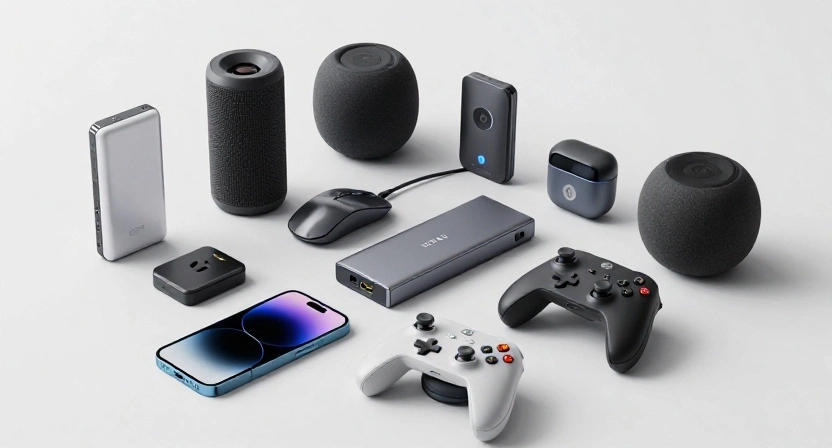
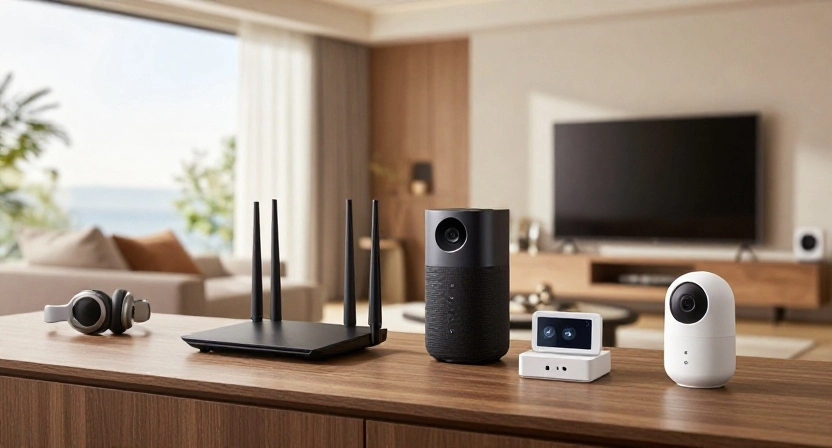
A contemporary house can link multiple devices without requiring additional wiring, yet mere convenience doesn't ensure that every device is a wise investment.
The best wireless devices for home use are those that address daily challenges without causing a tangle of applications, inconsistent connections, or excessive upkeep. An effective wireless arrangement can enhance internet connectivity, streamline entertainment, automate daily activities, boost home vigilance, and facilitate control of common appliances.
This means that selecting the appropriate device is less about acquiring the latest technology and more about comprehending your home's actual requirements.
Begin With the Tools That Enhance the Network
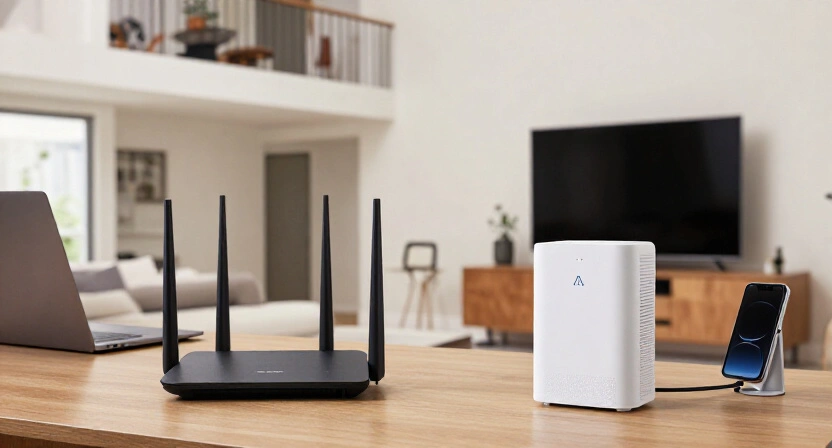
A wireless home relies on one thing above all else: a dependable network.
If the Wi-Fi signal is poor, introducing additional wireless devices can amplify the issue instead of resolving it. Before adding smart devices to your home, check if your router offers sufficient coverage for the house's size and layout.
Wi-Fi routers
A contemporary Wi-Fi router serves as the central point for smartphones, laptops, TVs, streaming devices, smart home gadgets, cameras, and various other linked devices.
- Coverage throughout the home
- The number of connected devices
- Internet speed from your provider
- Wi-Fi generation supported by your devices
- Security and firmware-update support
- Whether the router can work with a mesh system
In bigger houses, a single strong router might not always be the optimal choice.
Mesh Wi-Fi systems
Mesh Wi-Fi employs several nodes placed throughout the home to ensure wider wireless coverage. Rather than depending on a single router for all rooms, the system spreads the network over multiple access points.
This may be especially beneficial in residences with:
- Multiple floors
- Thick walls
- Long layouts
- Detached areas that need coverage
- Rooms far from the primary router
Intelligent Speakers and Screens Enhance Wireless Management Efficiency
A smart speaker can function as significantly more than just a voice-activated music device.Based on the ecosystem and supported devices, it can offer voice control for lighting, outlets, thermostats, entertainment systems, and various smart home products. A smart display includes a screen for items like timers, calendars, recipes, cameras, weather updates, and media.
The usefulness comes from reducing small interactions.
Rather than grabbing a phone to turn off a compatible light while preparing food, a voice command can accomplish the job. It might seem trivial, but convenience becomes increasingly apparent when multiple devices collaborate.
When searching for a smart speaker or display, confirm the smart-home platforms it works with.
Compatibility is more important than possessing the latest hardware.
Smart plugs represent one of the easiest wireless enhancements.
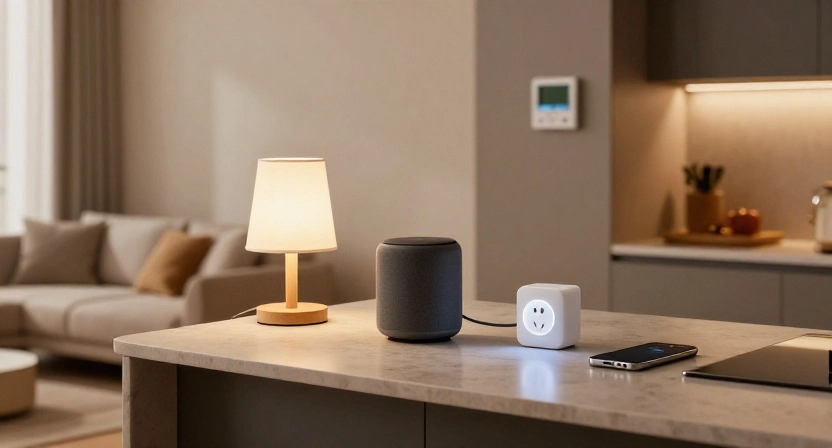 A smart plug is among the easiest ways to allow remote operation of a conventional electrical appliance.
The core concept is simple: the plug connects an appliance to the wall outlet, enabling compatible software or a smart-home system to manage its power.
Useful examples include:
- Lamps
- Fans
- Certain decorative lights
- Small household appliances
- Chargers and other devices where remote switching is appropriate
A smart plug does not inherently make a device intelligent. It typically regulates the provision of power to the linked device. That difference is important because an appliance needs to be engineered to operate safely and consistently when power returns.
Wireless Security Cameras Enhance Home Vigilance
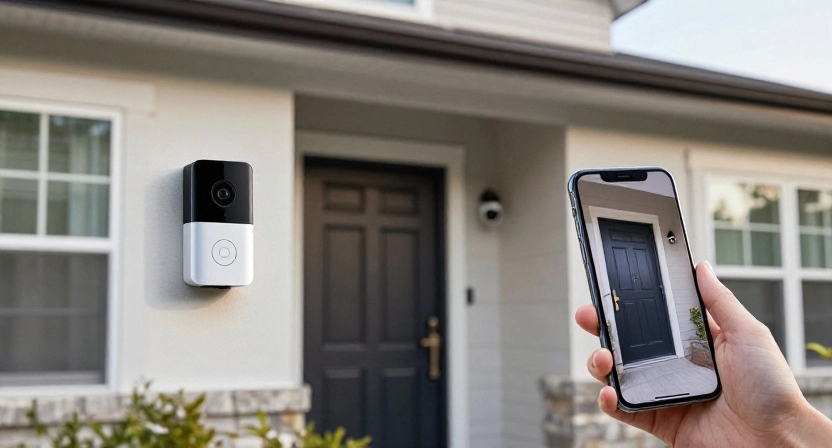 Wireless surveillance cameras can offer observation around entry points, driveways, living areas, or other suitable locations.
Their primary benefit is versatile installation. A Wi-Fi camera might be simpler to place than one needing a specific network cable, but power needs must still be taken into account.
Before buying one, look beyond image resolution. Important questions include:
- Where will recordings be stored?
- Is a subscription required for important features?
- Does the camera support local storage?
- What notifications can it send?
- How long is footage retained?
- Does it support two-way audio?
- What privacy controls are available?
-
How often does the producer offer software updates?
Wireless Doorbells Can Make an Ordinary Entryway More Useful
A video doorbell merges a door chime with a camera connected to a network and a notification system.
Depending on the system, a homeowner might get notified when someone nears the door, watch live footage, interact via two-way audio, or check recorded events.
The most valuable aspect is frequently not the camera alone but the capability to engage with the entrance while you are in another part of the home.
Nonetheless, video doorbells differ significantly in their approaches to recordings and subscription services. Certain features might rely on a subscription service, whereas others might provide local storage or restricted cloud capabilities.
For buyers worried about ongoing expenses, reviewing the subscription model prior to buying can stop a low-cost device from turning into a costly recurring service.
Wireless Audio Devices Make Entertainment More Flexible
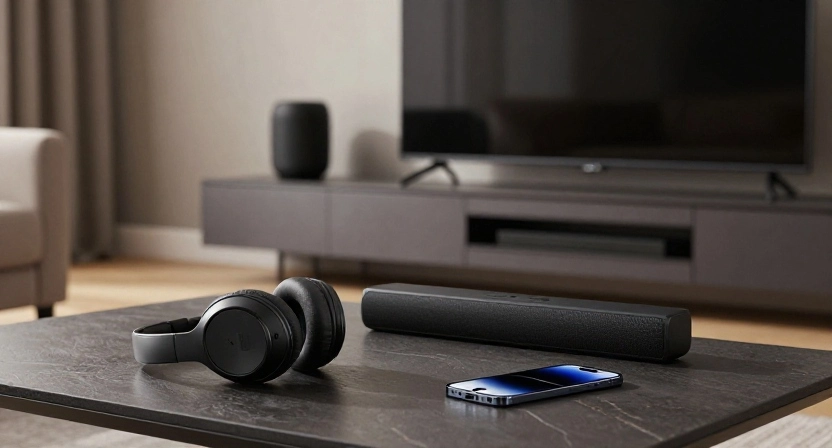 Bluetooth speakers, wireless headphones, soundbars, and multi-room audio equipment have changed how people use entertainment devices at home.
Bluetooth is particularly convenient for short-range personal listening. A phone can connect to headphones or a portable speaker without requiring a physical audio cable.
Wi-Fi-based audio systems can offer a different experience, particularly when multiple rooms or network-based streaming are involved.
The distinction is useful:
| Device type | Best suited for | Main consideration |
| Bluetooth speaker | Portable listening around the home | Range and battery |
| Wireless headphones | Personal entertainment | Comfort and battery life |
| Wi-Fi speaker | Fixed home listening | Network and ecosystem compatibility |
| Wireless soundbar | TV and home entertainment | TV compatibility and audio features |
| Multi-room system | Music across several rooms | Ecosystem compatibility |
Wireless Printers Remain Relevant in the Household
Living without paper has minimized the demand for printers, though it hasn't completely eradicated it.
A wireless printer is handy for school assignments, forms, shipping labels, rare documents, and various jobs where a printed version is still required.
Wi-Fi printing is especially useful in homes where multiple individuals utilize various computers or mobile devices. It eliminates the necessity of physically linking a printer to a single computer.
When selecting one, take into account the overall cost instead of just the buying price. The expenses for ink or toner, how often replacements are needed, the presence of automatic duplex printing, and the kinds of documents you typically print can significantly impact long-term costs more than the initial price of the hardware.
Wireless Smart Thermostats Can Connect Comfort With Automation
A smart thermostat is a significant wireless device for homes as it integrates temperature management with schedules, sensors, mobile apps, and smart home systems. Certain systems can modify heating or cooling depending on set schedules or additional compatible inputs. However, it is essential for compatibility with the home's HVAC system. A thermostat that appears impressive on a product listing may not be appropriate for all heating and cooling systems. Before buying one, verify:- HVAC compatibility
- Wiring requirements
- Whether a common wire is required
- Smart-home platform support
- Remote-control capabilities
- Sensor compatibility
- Installation requirements
Wireless Smart Lighting is Beneficial Due to Its Excellent Visibility.
Smart bulbs, switches, and lighting controls are some of the most easily recognized smart-home devices due to their immediate impact. A compatible light may be managed via an app, voice assistant, automation, or manual control, depending on the device. However, there exists a significant distinction between smart bulbs and smart switches.Smart bulbs offer convenience for adjusting colors, dimming levels, or controlling each lamp separately.
Smart switches are ideal for controlling current ceiling fixtures while maintaining a familiar wall-switch feel.
The correct decision relies on the wiring, fixture, and home practices.
Smart Locks Provide Ease of Use, Yet Security Should Come First.
Wireless smart locks offer functionalities like smartphone management, temporary access codes, automatic locking, and activity alerts, varying by model.
They can be beneficial for homes that frequently require providing access to relatives, visitors, or service professionals.
However, a smart lock is not a product type where convenience should always take precedence over security.
Seek out recognized security protocols, trustworthy software assistance, suitable physical safeguards, and an alternative solution for scenarios like drained batteries or connectivity issues.
It is essential to keep in mind that "clever" does not equate to "invincible." Each connected device adds a new account, application, or communication channel that requires appropriate security measures.
Matter Is Becoming More Important When Choosing Smart Devices
A major source of frustration with smart-home technology has traditionally been its compatibility. A device may function with one ecosystem but not with a different one. A different product may need a separate application. Certain devices might interact via one wireless protocol, while others rely on an entirely distinct one. Matter aims to decrease a portion of this fragmentation. The Connectivity Standards Alliance defines Matter as a smart-home protocol based on IP, aimed at enhancing interoperability. It can function via Wi-Fi, Thread, and Ethernet, while Bluetooth Low Energy has typically been utilized for commissioning and configuration. CSA-IOT Just because something is smart doesn’t mean every device will instantly be compatible with all others. The specific features are still reliant on the device, platform, and execution. However, for an individual creating a new smart home, verifying Matter certification can be an advantageous aspect of the buying process. The norm keeps progressing. Matter 1.6, launched in 2026, brought enhancements regarding configuration, multi-ecosystem interactions, and context-aware management. CSA-IOTHow to Choose the Right Wireless Devices for Your Home
Acquiring wireless technology is simpler when you begin with an issue instead of a product. Ask yourself:1. Which problem am I aiming to address?
If the issue is poor Wi-Fi, purchase networking devices. For simpler lighting management, think about smart switches or bulbs. To observe an entry point, using a doorbell or camera could be a good choice. If you just want music while walking around the house, a wireless speaker might suffice.
2. Does it work with what I already possess?
Verify compatibility prior to buying. This is especially crucial for smart-home environments. Matter can enhance interoperability, but the specific product still requires verification of certification and supported features.
3. Is a subscription necessary?
A budget-friendly camera, doorbell, or smart-home gadget can turn out to be much pricier if key features necessitate ongoing monthly fees. Analyze carefully which features operate without a subscription.
4. How will it receive updates?
Wireless devices consist of both software applications and tangible hardware components. Producers that offer consistent security and compatibility updates can enhance a device's usability over time.5. What occurs if the internet fails?
Not all wireless devices rely on the internet in precisely the same manner.
Certain functions might persist locally, whereas others could necessitate cloud services. Matter is structured around local connectivity, though remote access typically necessitates an internet-connected controller or another compatible method. CSA-IOT
Understanding this distinction can prevent unpleasant surprises.
A Practical Wireless Home Setup
You don't require numerous linked devices to build an effective wireless home.
For many families, a logical advancement might appear as follows:
-
Dependable router or mesh Wi-Fi for the network base.
- Smart speaker or display for convenient control.
- Smart plugs for simple automation.
- Smart lighting for everyday convenience.
-
A doorbell camera or video doorbell if monitoring your home is important.
-
Gadgets for amusement, such as Bluetooth headphones or speakers.
-
More specific devices solely when a real necessity arises.
This method offers a benefit: each extra device serves a specific function.
Final Thoughts
The top wireless devices for home use aren't always the priciest or the most technologically advanced options. They are the ones that address a genuine issue while integrating seamlessly into the rest of the household.
A dependable Wi-Fi setup ought to typically precede a vast array of smart devices. From that point, intelligent plugs, lighting systems, speakers, cameras, thermostats, printers, and additional wireless devices can enhance convenience in particular spaces. Compatibility warrants special focus as smart-home systems evolve to be more interconnected, with Matter establishing a solid basis for devices from various brands to interact across compatible platforms. CSA-IOT
Consequently, the most intelligent strategy is not to automate all tasks. Begin with the problem you wish to eliminate, select the most straightforward solution that addresses it, and broaden your approach only when the subsequent enhancement has a distinct objective.